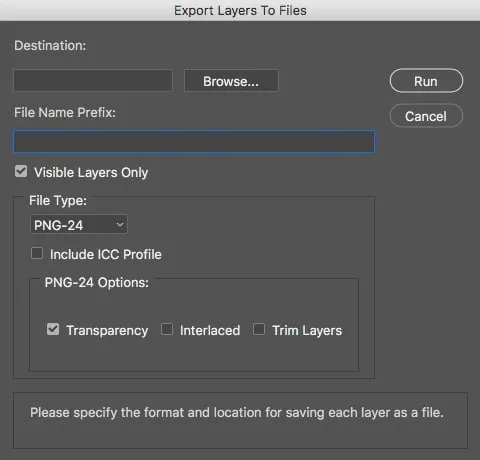

Automating Photoshop with AI Scripting
Summary
A Photoshop script, written with help from AI, that renames and exports every visible layer as a PNG.
- Client
- Self-initiated
- My role
- Designer
The problem
Exporting many Photoshop layers for the web is slow, repetitive work.
The approach
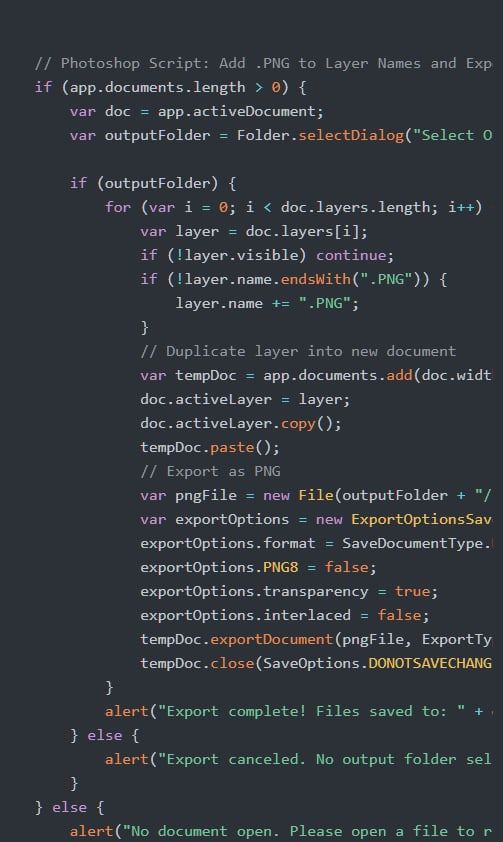
I used AI to help write a custom Photoshop script that:
- Adds “.PNG” to each layer name if it isn’t there already
- Processes only visible layers
- Copies each layer into a temporary document
- Saves each layer as its own PNG in a folder you choose, using Save for Web settings
To use it, save the script as ExportLayersAsPNG.jsx, open Photoshop, choose File > Scripts > Browse, select the script, and pick an output folder.
The result
A repetitive task became one step, saving time and keeping exports consistent across projects.